The realm of 2D animation is undergoing constant evolution as one of the most versatile and alluring forms of art in the era of digital media. The demand for 2D animation is rising ever higher and is projected to rise even more in 2025, with applications across different sectors, including education, entertainment, and advertising. Due to its potential to make characters and stories come alive while maintaining a unique visual style, it remains an asset for creators and enterprises alike.
Choosing the best 2D animation software is important not only for beginners but also for professional animators. The program you opt for can greatly affect your efficacy in performing tasks, the scope of creativity, and the quality of the final product. Since there are countless alternatives available in the market, it is critical to analyze each option thoroughly in terms of features, efficiency and ease of access to make sure that it fits your requirements and objectives. Here we will discuss about the top 10 Best 2D animation software of 2025 that will help you create you 2d animations.
Criteria For Evaluation
There are several important factors to take into account when evaluating which is the best 2D animation software:
Ease of use
This software has a very easy and user-friendly interface, and understanding how it works is the most important aspect to consider, especially for those who are beginners in animation. Software with a comprehensible interface and smooth onboarding experience allows animators of all skills to save time and unleash creativity.
1. Features and tools
The software’s versatility and capabilities rely primarily on the availability and quality of drawing tools, animation techniques, and special effects. Its wide array of features helps animators realize their visions in any film production.
2. Performance and stability
Large and complex animation projects require both dependability and performance. The software can manage heavy workloads without losing stability, guaranteeing an uninterrupted and smooth workflow.
3. Cost and accessibility
Software accessibility could be greatly affected by pricing models that vary from no-cost choices to those based on subscriptions or one-time payments. For individuals who are watching their pockets or just starting with animation, it is crucial to strike a balance between rich features and low prices.
4. Community and support
The availability of tutorials, forums, and customer support is crucial for enhancing the user experience of animators. It can help them deal with any problem they encounter. In software maximization, having solid communal care and devoted assistance can prove to be priceless.
Top 10 Best 2D Animation Software Of 2025
1. Adobe Animate
A. Overview
Since long ago, Adobe Animate, which was previously called Adobe Flash, has remained important in 2D animation. This software is part of Adobe Creative Cloud and has grown alongside the industry to keep up with changing demands. Hence, it stands out among the best options available to both amateurs and professionals who use animation tools.
B. Key Features
Adobe Animate is a 2D animation tool that offers a wide array of options for 2D animators, including in-depth timeline management, intense drawing tools, and complete assistance for vector graphics. As such, this software can be utilized to create multimedia animations targeted to various platforms such as the web, mobile devices, or videos.
C. Pros and Cons
Pros:
- Animated tools and features that are strong.
- Uninterrupted companionship with varied Adobe applications.
- Broad community support and learning materials for education.
- Appropriate for both 2D and motion graphics animation.
Cons:
- A subscription-based pricing model is not always the best option for individual users.
- It takes longer to learn than most other 2D animation software.
- Very low support for 3D animation features.
2. Toon Boom Harmony
A. Overview
Toon Boom Harmony is a software that is greatly respected for its easy-to-use features in 2D animating pictures. Having robust characteristics and adaptability, this software tool has been a preferred option for independent animators as well as big studios.
B. Key Features
Toon Boom Harmony provides an amazing collection of instruments and functionalities for making 2D animations. The rigorous rigging infrastructure, artistic combination elements, and multiple styles of animation make this an all-inclusive platform for creating visually mesmerizing 2D animated works. This application has also an easy-to-use interface besides having a rich menu that meets the demands of entire traditional and digital animation designers.
C. Pros and Cons
Pros:
- A comprehensive set of animation tools and effects
- Perfect for 2D or 2.5D animation
- User-friendly interface with relatively minimal learning time
- Ideal for projects ranging from small sketches to full-length movies
Cons:
- Costly for single users is the price model based on subscriptions
- It may require sophisticated features with a higher learning curve
- Trial or demonstration version of limited duration available
3. Moho (Anime Studio)
A. Overview
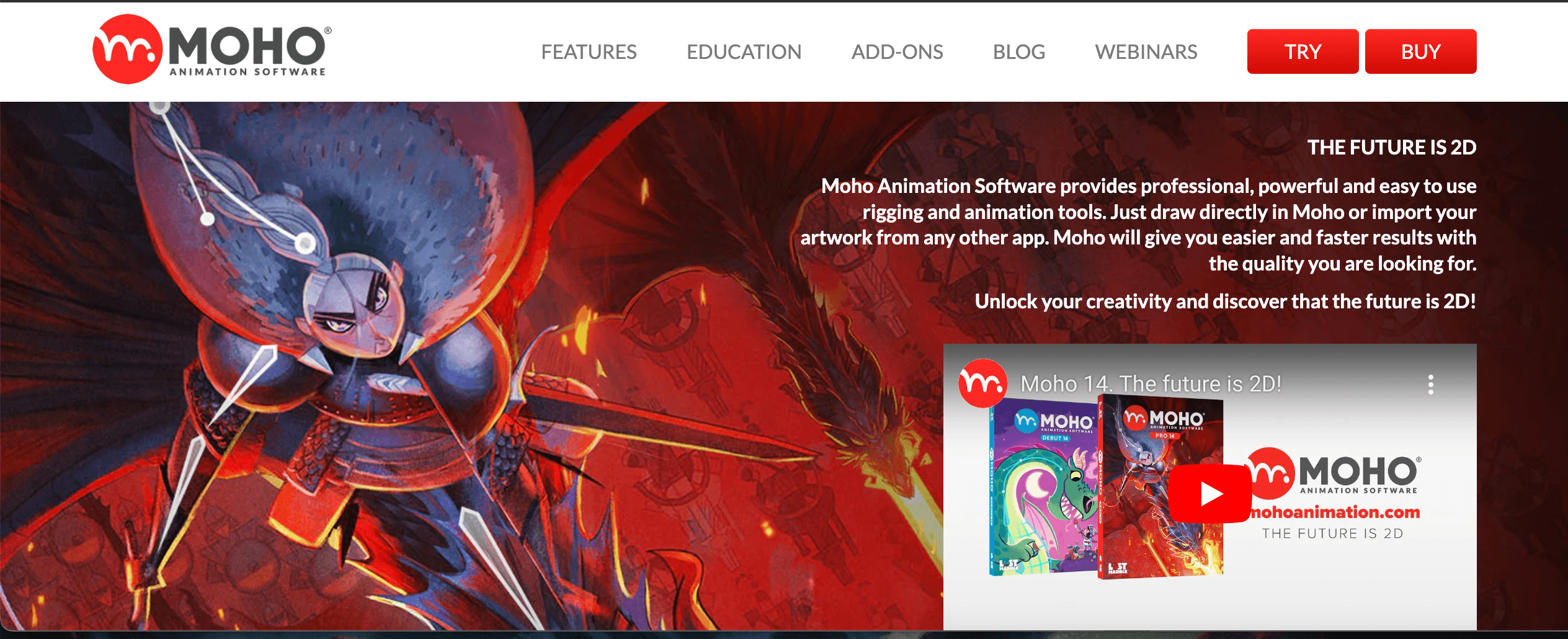
Moho, formerly known as Anime Studio, is an important software for people whose primary activities involve drawing and animating different characters for commercial purposes. It features tools for importing images, creating vector images, and animating them. Hence, it is a perfect choice for creating anime or cartoon-style videos.
B. Key Features
Moho offers comprehensive tools and features for 2D animation. Its intuitive bone rigging system, strong vector drawing tools, and support for a variety of animation techniques make it a popular option for fluid and expressive 2D animations. The software also includes a user-friendly interface and a selection of special effects that allow animators to bring their ideas to life.
C. Pros and Cons
Pros:
- Anime-style and cartoon-like animation are their areas of expertise.
- Character animation relies on an intuitive bone-based rigging system.
- There are both one-time and subscription options to cater to affordable pricing.
- There is a large support community and learning assets available.
Cons:
- The animation styles that are more complicated or experimental have limited support.
- It could be more challenging to grasp for those who lack experience with the software.
- Fewer advanced compositing and special effects tools are available when compared with several rivals.
4. Clip Studio Paint
A. Overview
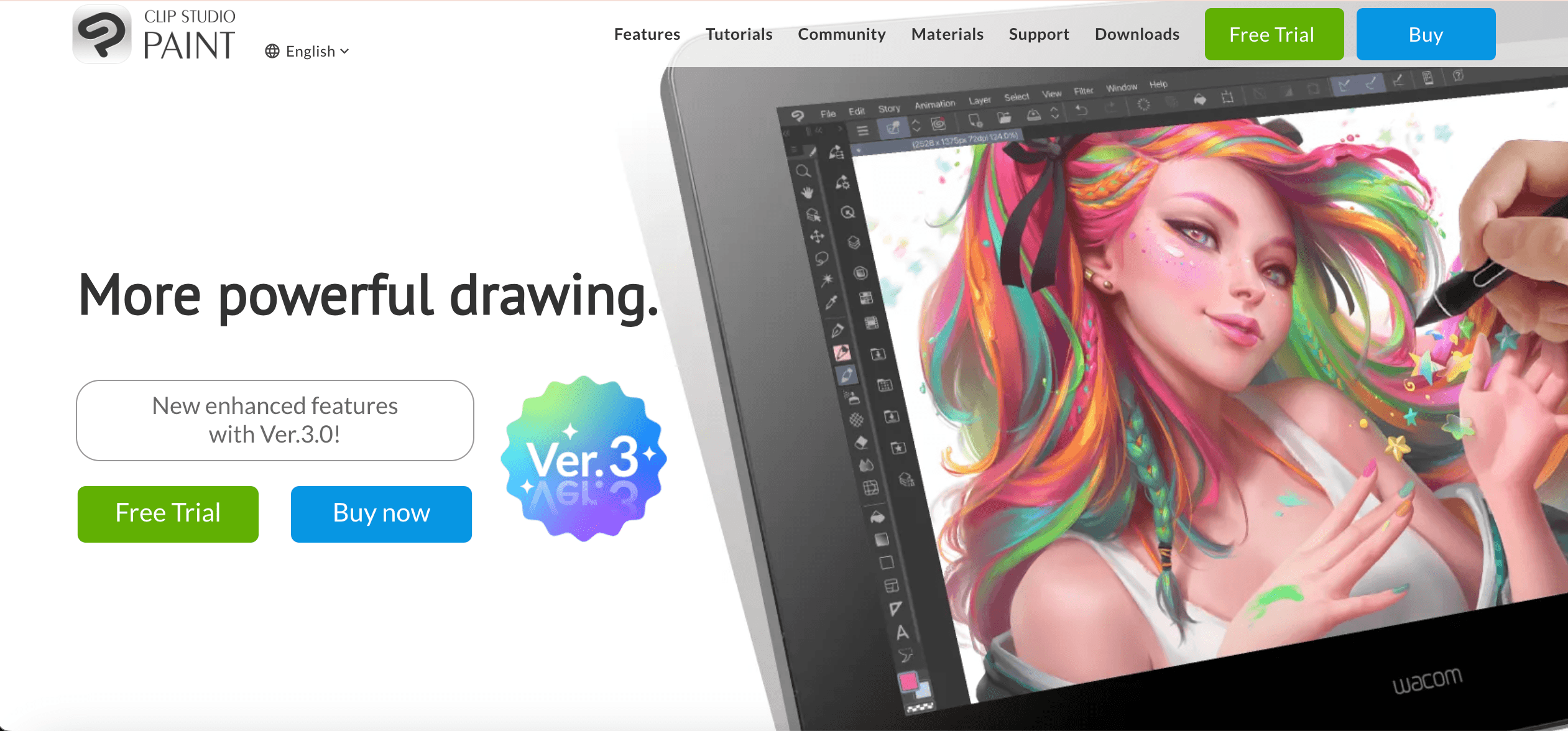
Clip Studio Paint is flexible 2D animation software that was previously called Manga Studio. It has garnered a loyal following from both animators and artists. Despite being originally created for producing digital manga and comic books, the application has progressed into a forceful medium for two-dimensional animations, too.
B. Key Features
Clip Studio Paint has its forte that lies in drawing and illustration features making it easier for traditional artists and digital ones. Its excellent vector tools, customizable brushes, along with numerous file formats are the reason why many people prefer it when coming up with 2D animated movies that look like they were drawn by hand using an actual pencil or a pen. Moreover, this software offers animations-specific characteristics such as a thorough timeline, onion skinning, and supporting layer-related animations.
C. Pros and Cons
Pros:
- Outstanding drawing and illustration tools for hand-drawn look.
- There is an affordable price model with both one-time and subscription options.
- The interface is easy to use, and it does not take too long to learn how to operate it.
- It features strong support for various file formats and has the ability to integrate with other programs.
Cons:
- There is an emphasis on 2D animation but not much room for 3D or special effects.
- The software may lack some of the powerful capabilities of other professional-grade 2D animation tools.
- Compared to bigger players in the market, it may have fewer communities supporting it and fewer educational materials available.
5. OpenToonz
A. Overview
Among independent animators and small studios, OpenToonz is a recognized open-source 2D animation software. It was developed through a collaboration between the Italian government-owned research institute and Studio Ghibli, which makes it quite powerful and customizable for 2D animation purposes.
B. Key Features
OpenToonz is an effective 2D animation software that comes with an array of features which includes a complete timeline for animation, advanced compositing tools, and diverse file format support. This allows animators to customize the software according to their specific requirements since it has a modular design and many customization options. Besides, the open-source quality of the program ensures its never-ending development and upgrades by a committed community of developers and users.
C. Pros and Cons
Pros:
- The fact that it is free and open-source allows animations for thrifty individuals.
- Flexible designs and highly customizable that allow tailored workflows.
- Strong animation tools and compositing features.
- There is a growing community and developers who support this.
Cons:
- The learning curve is much harder than for some commercial 2D animation programs.
- Attention to detail is relatively less on pre-built templates and assets provided by the program’s creators.
- This may lack the high level of finish and assistance obtainable from top-notch commercial software.
6. Synfig Studio
A. Overview
Synfig Studio, which has become well known for its various capabilities and strong performance, is a free and open-source 2D animation program. It is built around the concept of vector animations and provides an extensive range of options for producing first-class 2D motion pictures.
B. Key Features
Some of Synfig Studio’s major characteristics comprise powerfully vectorized animation, flexible time management, and different file format support. Its unique node-based composition system facilitates animators’ designing complicated compositions with easy steps. The application also has many sophisticated effects and tools, like advanced deformation, skeletal movement, and the ability to work within 2.5D animations.
C. Pros and Cons
Pros:
- Accessible for animators without any budget, as it can be used as an open-source and free.
- Comprehensive vector-based animation tools with advanced compositing features.
- Dynamic and personalized workflow for customized animation findings.
- Backed by a vibrant community of programmers and users.
Cons:
- Compared to a few of the commercial 2D animation software, it has a steeper learning curve.
- Templates and asset libraries have limited availability.
- Even though it is very professional, most people may find this business to be a bit raw and user-friendly.
7. Krita
A. Overview
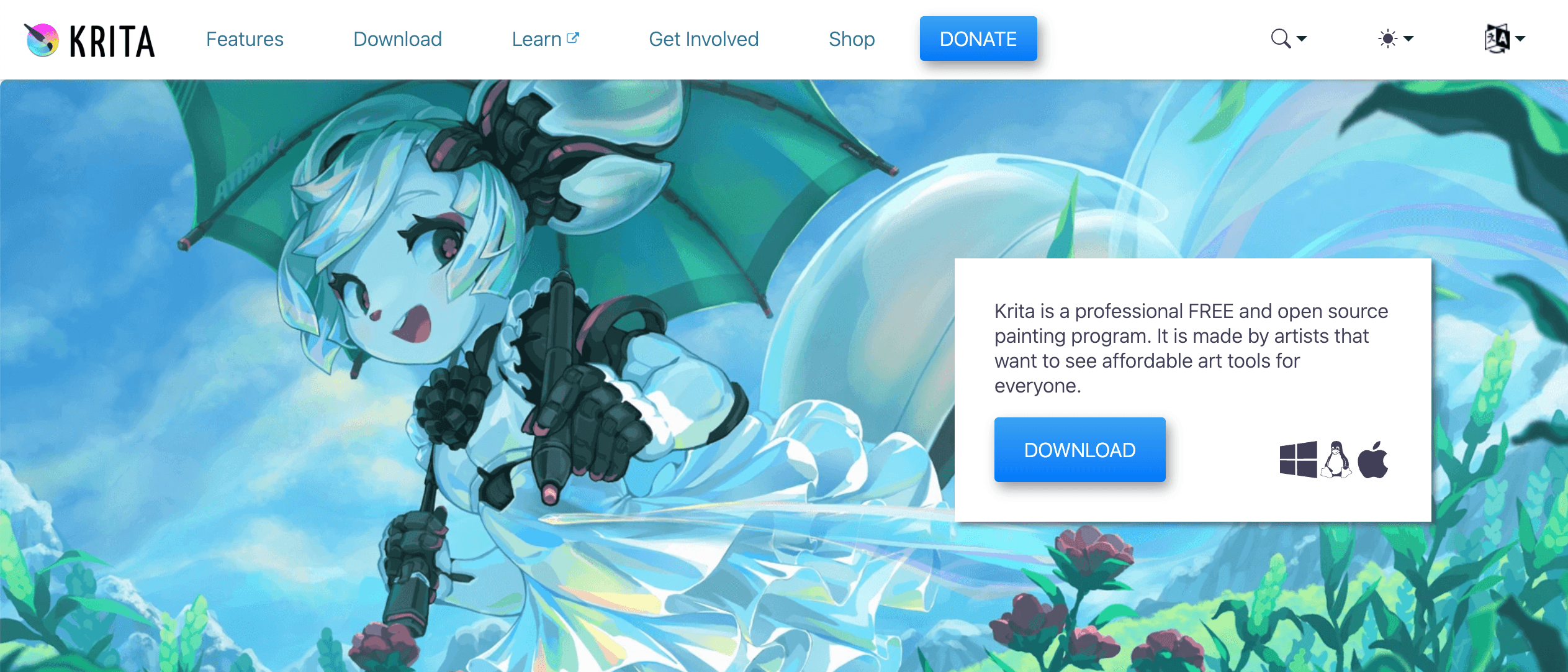
Krita is an open-source digital painting and 2D animation software that has earned high popularity with artists and animators. Although it is mainly intended for digital paint, Krita has extended to include an impressive range of 2D animation equipment, thus offering a reasonable choice for those looking for a practical and inexpensive alternative.
B. Key Features
Krita has a variety of 2D animation characteristics, such as a timeline that allows for numerous layers, onion skinning, and various other ways to animate. Many animators who want to create a hand-drawn or classic look utilize it because it contains many brushes in addition to color management equipment and uses different types of file formats.
C. Pros and Cons
Pros:
- Open-source and free for use, enabling animators with limited funds to get involved.
- Vast selection of tools for digital painting plus an expanding collection of features related to 2D animation.
- Easy-to-use interface complemented by fast training time invested into becoming a digital artist.
- Supported by a lively collective comprising both programmers and consumers of the product.
Cons:
- Focused on digital painting primarily than 2D animation as a secondary aspect.
- Dedicated 2D animation packages may include advanced animation tools that may not be included in this tool.
- The availability of built-in templates and asset libraries is limited when compared to commercial versions.
8. Pencil2D
A. Overview
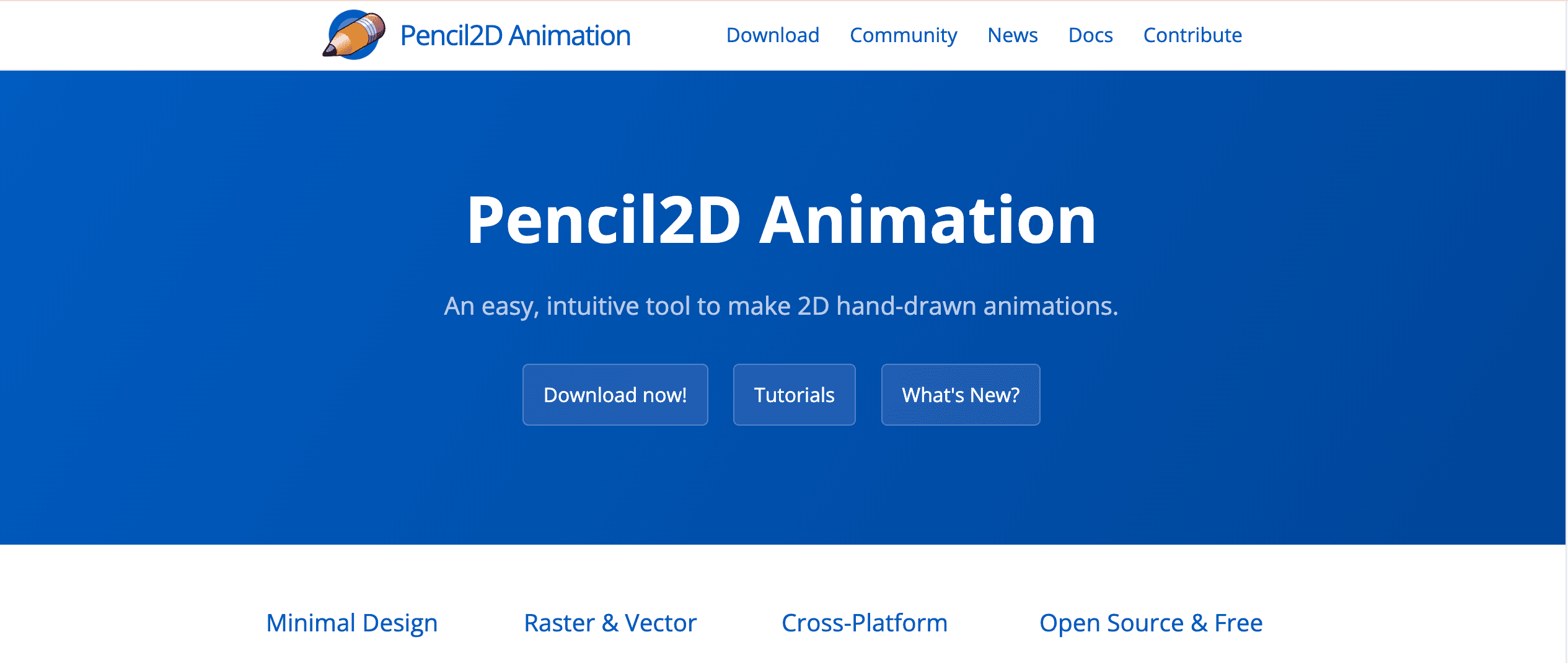
Pencil2D is free, open-source 2D animation software loved by many animators for its simplicity and user-friendliness. Although it lacks some of the advanced functionality found in professional tools, Pencil2D offers a simple interface for creating 2D animations.
B. Key Features
The key features of Pencil2D consist of a user-friendly interface, a simple timeline, and support for classical animation techniques like onion skinning and frame-by-frame animations. It also has various drawing tools that let animators create hand-drawn or vector-based animations easily.
C. Pros and Cons
Pros:
- This is a low-cost decision for amateurs and newbies since it is open-source and available at no cost.
- The user interface is simple and requires little time to understand.
- Its simplicity and uncomplicated nature make it suitable for beginners in animation.
- It also has a large number of developers and users who back it up.
Cons:
- Compared to professional-grade 2D animation applications, limited advanced features and tools.
- Not suitable for large-scale or complicated animation jobs.
- Fewer pre-built templates and asset libraries when matched against commercial choices.
9. CelAction
A. Overview
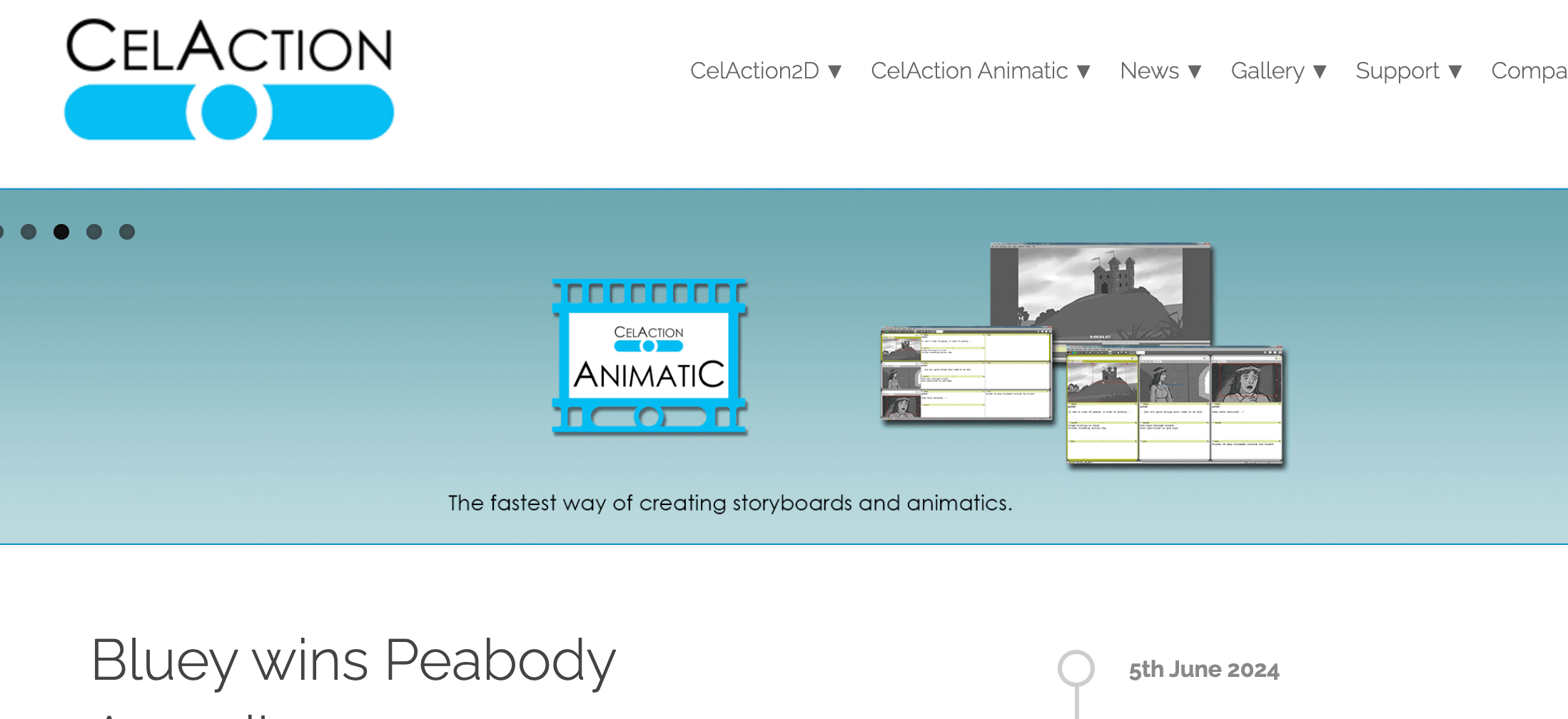
CelAction is a 2D animation software that has gained recognition for its attention to traditional techniques and ability to create high-quality, cartoon-style animations. The program was developed by an enthusiastic team of experienced animators who provide an original approach to 2D animation loved by classical animators as well as those who work in the field of computer-generated images.
B. Key Features
CelAction’s dominant characteristics are its strong ensemble of drawing instruments, a thoroughgoing timeline modality, in addition to many customary animation methods like onion skinning and exposure-sheet-based procedures. The program also has a variety of different special effects’ making and compositing utilities giving animation personalities the power to animate them into reality.
C. Pros and Cons
Pros:
- Custom-built for generating superior 2D animations in a cartoon-like style.
- User-friendly interface with a concentration on classical animation methods.
- Robust sketching equipment and an inclusive chronology structure.
- Ideal for solo animators as well as minor production houses.
Cons:
- It has a steeper learning curve than some beginner-friendly 2D animation tools.
- There are a few pre-designed templates or asset banks to choose from.
- It may require more computer resources than some other smaller and lighter 2D animation tools.
10. Blender
Overview of Blender:
Blender is a open-sourced and free 3d creation suite that provides you the entire 3D pipeline that includes modeling, animation, rendering, compositing and simulation. It is most widely used software by professionals for creating animations, 3d graphics, visual effects etc. Due to its powerful features, felxibility and active community gives it a popular choice in 3D industry.
Features
- 3D Modeling: It Offers extensive tools for polygonal, sculpting, and procedural modeling.
- Animation: Supports keyframe animation, non-linear animation and, rigging with robust character animation tools.
- Rendering: Includes Cycles and Eevee, powerful rendering engines for photorealistic and real-time rendering.
- Simulation: Provides simulations for fluids, smoke, fire, cloth, particles, and more.
- Video Editing: Features a built-in video sequence editor for basic video editing and compositing.
- Scripting: Supports Python scripting for automation, custom tools, and game development.
- Add-ons: Extensive library of community-created add-ons that enhance and extend Blender’s functionality.
Pros and Cons
Pros:
- Free and Open-Source: Free to use, with continuous updates and a supportive community.
- Comprehensive Toolset: All-in-one software for the entire 3D creation pipeline.
- Cross-Platform: Runs on Windows, macOS, and Linux.
- Active Community: Strong support from a global community, with plenty of tutorials, add-ons, and resources.
Cons:
- Steep Learning Curve: The vast array of features can be overwhelming for beginners.
- UI Complexity: The challenging interface and not easy to navigate, especially for users accustomed to other 3D software.
- Performance: May struggle with extremely high-poly scenes compared to some specialized commercial software.
Comparison and Recommendations
When it comes to choosing the best 2D animation software, there is no one-size-fits-all solution. The optimal choice will depend on your specific needs, skill level, and budget. Here are some recommendations based on the criteria we’ve discussed:
Best for Beginners
Software such as Pencil2D, Krita, or Moho (Anime Studio) is recommended for novice animators. They are easier to use and learn than similar programs like Adobe After Effects or Autodesk Maya. The software can be installed directly onto your computer, making it an ideal choice for someone on a tight budget.
Best for Professionals
Producing high-quality animation requires professionals and experienced animators to choose the right software—for example, Adobe Animate or Toon Boom Harmony—all of which are industry standards. The tools have comprehensive features suitable for complicated projects, advanced animation techniques, and high-end compositing abilities required in today’s world of digital art.
Best Value for Money
When short on funds, animators may consider choosing open-source options such as OpenToonz and Synfig Studio. These software programs offer a broad spectrum of features and tools without the expense associated with commercial products. Additionally, Clip Studio Paint is provided at an attractive price point.
Conclusion
Since the demand for 2D animation and the related interest in the respective software has already been high, potential customers have been able to push the market and provide multifunctional tools for various clients. From industry-leading tools to open-source alternatives, the 2D animation software market in 2025 offers a wealth of options for animators of all skill levels and budgets.
By carefully considering the criteria outlined in this article, you can make an informed decision and select the 2D animation software that best aligns with your creative vision, workflow, and resources. Whether you are a beginner in the field or an experienced and professional animator, the right software will efficiently allow you to unleash your full potential as an animator and produce exceptional 2D animations.
If you’re looking to create high-quality 2D animations with the help of a reliable and experienced team, consider working with Ice N Fire Media. Our team of skilled animators and technical experts can guide you through every step of the animation process, from conceptualization to final delivery.

Contact us today to learn more about our 2D animation services and how we can help you bring your ideas to life!